


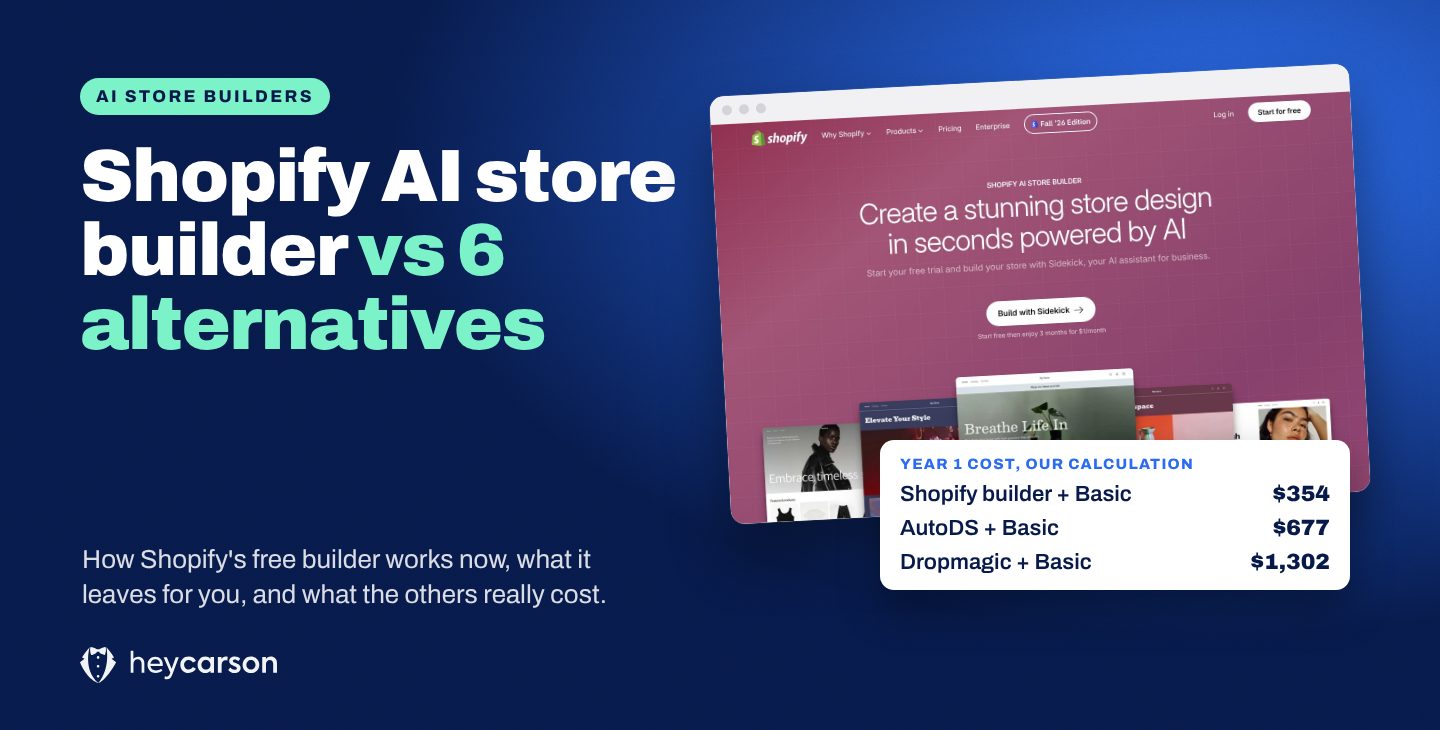
Shopify's AI store builder is a free tool that turns a short description of your business into up to three personalized store designs (themes), each with its own layout, images and text. Today you generate them in the Shopify mobile app or the admin in a mobile browser, during the free trial or on the Basic, Grow or Advanced plan. It builds the look of your store, not the business behind it: products, payments, shipping, taxes and policies are still yours to set up.
That's the part most AI store builder pages skip. Below we cover how Shopify's builder works today, exactly what it leaves for you, and how six third-party AI store builders compare once you add up what they really cost in the first year. The cost calculation and the verdicts at the end are ours.
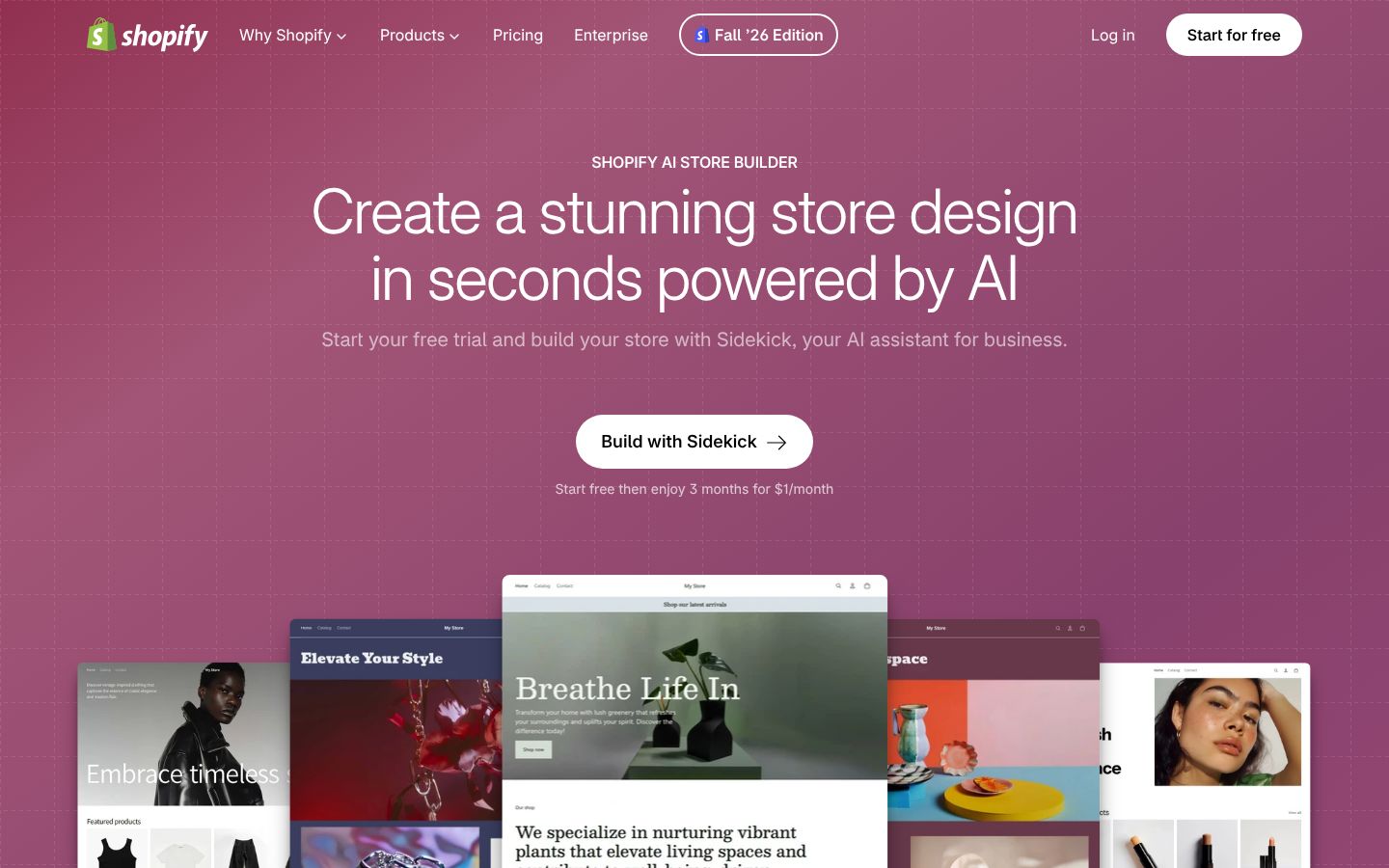
How Shopify's AI store builder has changed
Shopify has reworked this tool three times in under two years:
- March 2025: Shopify released an "AI store setup tool" that generated "custom themes for their brand" from a short description, for merchants on Basic and up (changelog).
- May 2025 (Summer '25 Edition): "Generate themes" arrived alongside the Horizon themes: describe your brand and get personalized themes to choose from.
- December 2025 (Winter '26 Edition): two changes. You can generate a store "even without a Shopify account" from Shopify's AI store builder page, and theme generation moved to the Shopify mobile app.
Today Shopify's Help Center is blunt about it: "You can no longer generate one from the desktop Shopify admin." Many tutorials still show the old desktop flow, which is why people can't find the button.
How to use Shopify's AI store builder, step by step
On an existing store or trial:
- Open the Shopify app on your phone, or the Shopify admin in a mobile browser.
- Tap the menu, then Sales channels > Online Store > Manage all themes.
- In Design your store in seconds, describe your business: what you sell, who it's for and the feel you want.
- Tap Generate themes. Shopify generates up to three free, personalized themes.
- Tap a theme, then Try theme. It's saved under Draft themes, so nothing changes on your live store.
- Back on a desktop, preview the generated themes from the Themes page and customize the one you like.
Learn With Shopify's official walkthrough shows the mobile flow in under a minute:
Video: "How to generate a Shopify theme on mobile" by Learn With Shopify.
Who can use it
From Shopify's Help Center, as of 28 November 2026:
- Plans: the free trial, Basic, Grow or Advanced. On the Starter or Retail plan you can only use the Spotlight theme and can't generate one.
- Language: your storefront must be set to English.
- Content: your description can't cover topics that break Shopify's policies, and the tool doesn't support "uploading images from the web or copyright infringement".
- Cost: generating themes is free, and Shopify says you can generate "as many store designs as you want".
Writing a description that gets a better result
The builder works from the words you give it, so vague input ("a clothing store") gives it little to work with. Better descriptions name:
- The product and the price point: "handmade stoneware mugs and planters, $28 to $90"
- The customer: "for people decorating small apartments"
- The feel, in two or three words: "warm, earthy, minimal"
- What to lead with: "best-sellers first, then the maker's story"
Generate a few rounds. It's free, and the second or third set is usually closer.
What the AI store builder doesn't do
The builder generates the design. Every item below is still yours, and each one is easy to miss when a store looks finished:
- Products. It doesn't add your products. Each product needs real photos, a description, variants (size, color), prices, SKUs and stock.
- Payments. Activate Shopify Payments or another provider, and test a real order.
- Shipping rates. Set zones and rates. A wrong rate doesn't look wrong until you lose money on an order.
- Taxes. Set up tax collection for where you sell.
- Policies. Refund, privacy, terms and shipping policies, which AI shopping channels also require.
- Domain. Buy or connect your own domain.
- Legal pages and contact details. The generated text is placeholder copy; replace anything that makes promises you can't keep.
- Image rights. Swap generated or stock images for your own product photography before launch.
Our Shopify launch checklist walks through every one of these before you go live.
After generating: Sidekick and Canvas
Once you've picked a generated theme, Shopify gives you two AI tools to keep shaping it:
- Sidekick in the theme editor. Ask Sidekick to change sections, colors and copy. In the regular theme editor, Sidekick can only add sections and blocks your theme already includes. Our Shopify Sidekick guide has prompts that work.
- Canvas, if your store has it. Canvas is a desktop design surface in early access where every page sits side by side and Sidekick can build new blocks and redesign whole templates. Our Shopify Canvas guide explains what it can and can't do, including why a theme you edit in Canvas stops receiving theme updates.
Think of it as three steps: the AI store builder gives you a starting theme, Sidekick tidies it, and Canvas (where available) redesigns it in depth.
Third-party AI store builders compared
Search for "Shopify AI store builder" and most results after Shopify's own page are third-party tools, nearly all aimed at dropshipping. They do more than Shopify's builder (most add products), but they also cost more and tie your store to their apps or suppliers. This table compares six, with Shopify App Store ratings as of 28 November 2026.
| Builder | What it builds | Price | Rating |
|---|---|---|---|
Store, 10 dropshipping products, theme |
From $26.90/month |
4.6 (1,406) |
|
Build Your Store AI |
Store, products via AutoDS, logo |
Free |
No reviews yet |
Dropmagic |
Product pages from a product link |
Free; $79/month to publish |
4.9 (61) |
CreateMyStore (Vitals) |
Store, products, copy, Vitals apps |
Vitals from $29.99/month |
Vitals 4.9 (2,991) |
Atlas: AI Store Builder |
Store and pages from a product link |
$39/month |
4.4 (382) |
Pages via chat, 250+ templates |
Free (1 page); from $19/month |
4.8 (330) |
Notes, from each tool's own site and App Store listing:
- AutoDS gives you the AI store "for FREE" once you start its $1 trial, but the store is built around AutoDS's suppliers and its paid plans ($26.90, $39.90 or $66.90 a month). The 4.6 rating is for the whole AutoDS app.
- Build Your Store AI launched on the App Store in December 2025 with no reviews yet. Its products come through AutoDS, which "requires its own subscription" if you use it for orders.
- Dropmagic imports a product from an AliExpress, Amazon or Shopify link and writes the page, but its free plan "Cannot publish on Shopify".
- CreateMyStore is powered by Vitals and pre-installs Vitals apps. Redesigning an existing store turns those apps on for your live store straight away.
- Atlas adds charges "as your store generates revenue" on top of its $39 monthly fee.
- Foxify is a page builder rather than a full store builder: it doesn't source products, and pages live in the app.
What they really cost in the first year
Our own calculation, using each tool's cheapest plan that can publish to your store, on top of Shopify Basic paid monthly ($39 a month after Shopify's current offer of three months at $1). App prices as of 28 November 2026; usage and revenue-based charges not included.
| Option | Tool cost, year 1 | With Shopify Basic |
|---|---|---|
Shopify AI store builder |
$0 |
$354 |
Foxify Starter |
$228 |
$582 |
AutoDS (cheapest plan) |
$323 |
$677 |
CreateMyStore (Vitals) |
$360 |
$714 |
Atlas |
$468 |
$822 |
Dropmagic Premium |
$948 |
$1,302 |
Shopify Basic's first year works out at $354 ($1 × 3 months + $39 × 9 months). Paying yearly lowers Basic to $29 a month, as our Shopify pricing guide explains. Free trials and promotions change often, so check each price before you sign up.
The cost isn't only money. Builders that add supplier products keep you on their app to fulfil those orders, and canceling usually means replacing the products, the app blocks on your theme, or both.
What merchants ask about AI store builders
In a Shopify Community thread from August 2026, "AI tools that can build a whole Shopify store?", a merchant asked for something that "actually builds the whole store": pages, layout, navigation and collections, not just descriptions and images. The replies, from merchants and app makers, raised the same gaps again and again:
- No single tool does it all. One reply put it plainly: "not really one AI app that can fully build" a store.
- Settings still need a person. Payments, shipping rates, taxes, markets and checkout were the most-mentioned gaps.
- Generated sections can look finished but not work. Add-to-cart buttons and variant options that weren't wired up came up more than once.
- New apps carry risk. Several suggested tools had few or no reviews.
- Keep a clean copy of your theme and test the full set of changes before you publish.
Which AI store builder should you use?
Our verdicts:
- Building a brand with your own products: use Shopify's free AI store builder for a starting design, then refine it with Sidekick (and Canvas if you have it). Spend the money you save on product photography. If you'd rather start from a proven design, our best Shopify themes guide compares themes by use case, and our best free Shopify themes guide covers the free ones.
- Testing a dropshipping idea cheaply: a third-party builder can get you to a live store in an afternoon. Pick one whose app you'd want to keep, read its recent reviews, and check what happens to your products if you cancel. Our ranking of Shopify dropshipping apps compares the supplier side.
- Already have a store: you don't need a builder. Generate new themes to compare against yours, or use Sidekick for specific changes. Our Shopify AI guide covers every built-in AI tool.
- Started with an AI builder and it isn't selling: in our view, look at generic copy, missing trust details and checkout settings before the design. You can brief a vetted Shopify expert to review it.




 Request to Join