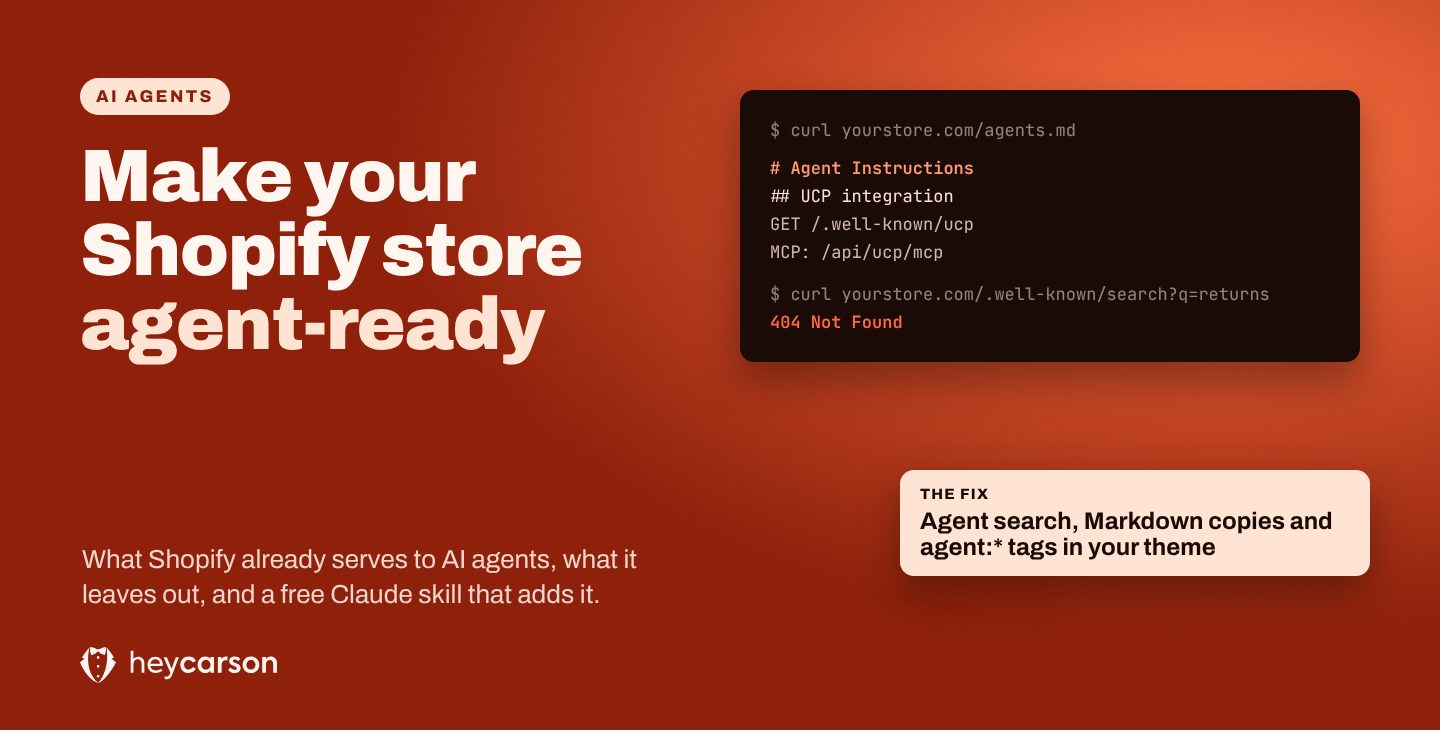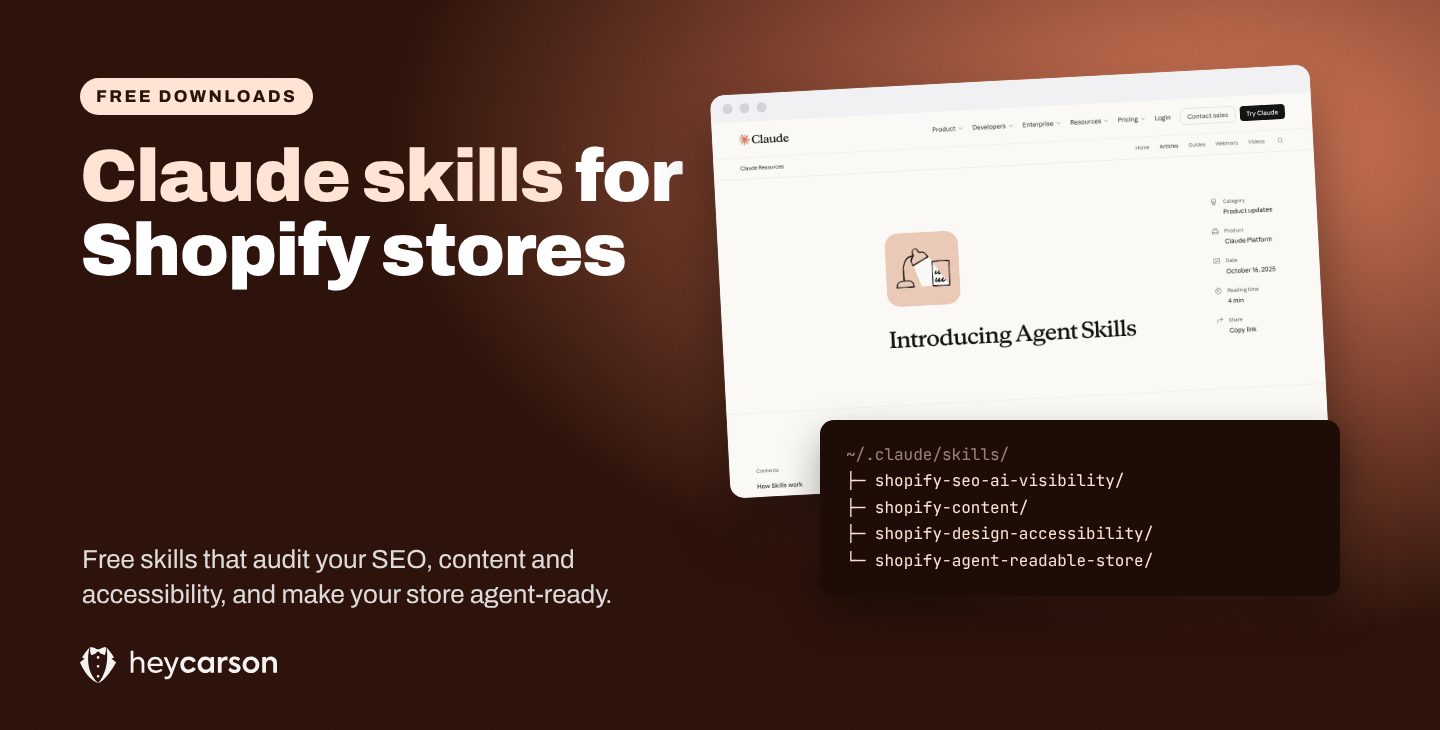
These are three free Claude skills for Shopify store owners: one audits your store's SEO and AI search visibility, one writes and checks product descriptions, collection copy and blog posts, and one tests your theme for accessibility on phone and desktop. Download a zip, add it to Claude Code or Claude.ai, and ask Claude to audit your store; it follows the same rulebooks our team uses.
Each skill comes with a plain-language rulebook you can read on its own, and an optional script that checks your live storefront. They read your store and write a ranked fix list. They don't change anything unless you ask.
The three skills, and what each one checks:
| Skill | Checks | Download |
|---|---|---|
SEO and AI visibility |
Crawlers, canonicals, product schema, links |
|
Content |
Product, collection and blog copy |
|
Design and accessibility |
Theme accessibility (WCAG 2.2 AA) |
Or download all three in one zip.
What are Claude skills?
A Claude skill is a folder of instructions that Claude loads when a task matches it. The folder holds a SKILL.md file with a name and a short description of when to use it, followed by the steps to follow, plus any reference files or scripts the steps need. Anthropic introduced skills on October 16, 2025, and they work in Claude.ai, the Claude desktop app, Claude Code and the API.
Claude reads only the short description until your request matches it, then loads the full instructions. That's why a skill can carry a long rulebook without slowing down every chat. For a store owner, the practical difference is consistency: you ask "audit my store" and Claude runs the same checks, in the same order, with the same rules, every time, instead of improvising.
We wrote these for Shopify specifically. Generic SEO skills don't know that /collections/shirts/products/blue-tee is a duplicate of /products/blue-tee, that Shopify serves its own /llms.txt, or where redirects live in your admin.
Video: "What are skills?" by Claude (Anthropic).
Claude SEO skill for Shopify: SEO and AI visibility
The shopify-seo-ai-visibility skill checks whether search engines and AI assistants can crawl, understand and trust your store, then ranks what to fix.
What it checks
- robots.txt and crawler access. Whether any search or AI crawler (Googlebot, Bingbot, OAI-SearchBot, Claude-SearchBot, PerplexityBot and others) is blocked, and whether each one actually gets a 200 response on a product page. Bot protection can block crawlers your robots.txt allows. Our Shopify robots.txt guide explains the rules.
- llms.txt and agents.md. Shopify has served
/agents.md,/llms.txtand/llms-full.txton every Online Store since 28 May 2026, according to the Shopify developer changelog. The skill tells you whether yours is Shopify's default or a customllms.txt.liquid, and if it's custom, whether every link still works. More in our llms.txt for Shopify guide. - Sitemap and indexability. A sample of products, collections, pages, blogs and articles from your
sitemap.xml: status code, canonical, noindex, one H1, title and meta description, social image, image alt text. - Shopify's duplicate URLs. Whether collection-path product URLs and filtered or sorted collection URLs (
?filter.v.availability=1,?sort_by=price-ascending) point their canonical at the clean URL. - Product structured data. One Product or ProductGroup block per product page, not one from the theme and another from a reviews app; price matching Shopify's own variant prices; brand and GTIN present.
- Internal links. Menu and footer links that redirect or 404.
- App scripts. Every third-party script host on your pages, so you can match each one to an app you still use.
The skill then walks you through what a script can't see: Search Console's Pages and Merchant listings reports, Bing Webmaster Tools, Merchant Center, your product data in the admin, and a monthly test of real buyer questions in ChatGPT, Perplexity, Gemini, Copilot and Claude.
Example findings
When we tested the script on public Shopify stores in November 2026, it found:
- A collection listed in the sitemap that returned a normal 200 response with the title "Page Not Found", a soft 404 Google can index as an error page.
- Product pages where the structured data gave the price as 52 while the product cost 52.50, a rounding error in the theme's markup that Google and assistants would read as the real price.
- Product templates with no H1 at all in the HTML, and a blog article with nine.
- Menu links to old collection handles that redirect, links to
http://versions of the store's own domain, and two links to/collections/collections/...that returned 404.
None of these show up when you browse the store, which is why they survive for months.
How to run it
In Claude Code, ask: "Audit my Shopify store yourstore.com for SEO and AI visibility." Claude runs scripts/seo-check.mjs (plain Node, no dependencies, read-only, two requests at a time), reads the report, asks you for the data it can't fetch, and writes a fix list ranked by which pages make you money. On Claude.ai, it does the same checks with its own tools where it can reach your store, or asks you to paste a product page's source and your robots.txt.
Download: shopify-seo-ai-visibility-skill.zip. For the background on each check, see our Shopify SEO guide.
If you'd rather have someone make the fixes than read about them, you can hire a vetted Shopify expert to work through the list.
Shopify content skill: product descriptions, collections and blog posts
The shopify-content skill writes, edits and audits the words on your store. It has three jobs: write a product description, write a blog post or page, and audit the content you already have.
What it checks
- Product descriptions. A lead that says what the product is and why to choose it, then specs as a list (materials, dimensions, fit, care, what's in the box), variant differences, and answers to the questions customers email you about. It flags descriptions under 50 words, descriptions with no specs, and copy that appears word for word on other products.
- Copied and pasted text. Any sentence of eight or more words that appears on three or more products. That's usually manufacturer copy, or a shipping and returns paragraph that belongs in a theme block or metafield instead of every description.
- Catalog gaps. Products with no vendor, product type or tags, and product titles in capitals or over 70 characters.
- Writing tells. A list of about 40 banned phrases and words that make copy sound generic, plus patterns like "It's not just a jacket, it's a lifestyle", filler adverbs and exclamation marks. A hit is a style flag, never proof that AI wrote something.
- Blog posts. A named author instead of "Staff" or the store name, question-shaped headings, links to the products the post recommends, and how old the post is.
The most important rule in the rulebook: never invent facts. When a description needs a spec, a measurement or a customer example the skill doesn't have, it writes [CHECK: ...] and lists those for you, instead of making one up. Shopify's built-in text tools and other AI writers are fine for drafts, but they invent specs, and a wrong material or size costs you returns.
Example findings
On one large catalog we tested, the median product description was 29 words, the same 8-word-plus sentence appeared on 19 products, and colour variants split into separate products carried identical descriptions. Most of the store's blog posts were signed by a staff account rather than a person. Each of those is a fix you can make in an afternoon for your top 20 products.
How to run it
Ask: "Audit the product descriptions on yourstore.com" or "Rewrite this description using the shopify-content skill" and paste the current text with the supplier's spec sheet. The script reads your public /products.json feed and each blog's feed. If your store blocks the product feed, export your products from Products > Export as a CSV and point the script at the file. It also checks a single draft before you publish it.
Download: shopify-content-skill.zip.
Shopify accessibility skill: theme design and WCAG checks
The shopify-design-accessibility skill tests your theme against WCAG 2.2 AA and a set of design defaults, on a 1280px desktop and a 390px phone, across your home page, a collection, a product with variants, a blog post and the cart.
What it checks
- The basics on every page. Zoom allowed, a skip link, a visible focus ring, text size, tap targets of at least 24px (44px recommended on phones), image alt text, labelled form fields, buttons with names, no sideways scrolling, and a full axe-core scan for serious and critical issues.
- Variant pickers and colour swatches. Option groups with a legend, every swatch named in words, sold-out values announced, dropdowns labelled.
- Prices and badges. Sale badge and sale price contrast (white text on a light red badge fails often), and whether the struck-through regular price is announced to screen readers.
- Add to cart and sticky add to cart. Button size, name and contrast, and on phones whether the sticky bar overlaps a chat bubble or cookie banner.
- Cart drawer. With your permission, the script adds one product to a fresh cart and checks that the drawer is a named dialog, focus moves into it, and Escape closes it. It never goes to checkout.
- Slideshows and pop-ups. Carousels that move on their own without a pause button, and pop-ups that cover the phone screen on load.
Shopify holds Theme Store themes to a similar bar: an average Lighthouse accessibility score of at least 90, 4.5:1 text contrast and 24 x 24px pointer targets, according to its theme requirements. Your store can still fail once you change colours, add apps or upload content, which is what this skill catches.
Example findings
On Shopify's own Dawn demo store, the script found colour filter swatches whose accessible name was a metaobject ID (gid://shopify/Metaobject/...) instead of a colour, so a screen reader reads out a string of numbers. Dawn's cart notification passed the cart checks: it's a named dialog, takes focus and closes with Escape. On a larger store with a heavily customized theme, it found newsletter fields with no labels, icon links with no names, a 1px focus ring, and 22px colour swatch buttons on collection pages.
How to run it
This skill needs Playwright, a free browser automation tool, so it runs best in Claude Code: npm i -D playwright && npx playwright install chromium, then ask "Run an accessibility check on yourstore.com". Without it, the skill has Claude check what it can, has you run Lighthouse in Chrome, and gives you a keyboard and screen reader test to do yourself. Automated tools catch part of the problem, so the manual pass is part of every run.
The skill doesn't tell you whether you're legally compliant with the ADA or the European Accessibility Act. That depends on where you sell and needs a lawyer.
Download: shopify-design-accessibility-skill.zip.
How to install Claude skills
Download the zip for the skill you want, or all three in one zip. Each zip has the skill folder at the top level, which is the format both Claude Code and Claude.ai expect.
Claude.ai and the Claude desktop app
- Turn on code execution in Settings > Capabilities ("Code execution and file creation", shown as "Create and edit files" in newer layouts). On Team and Enterprise plans, an owner has to allow skills for the organization first.
- Go to Customize > Skills, click +, then + Create skill, then Upload a skill.
- Upload one skill zip at a time (the combined zip is for Claude Code), then turn the skill on in your list.
Anthropic's help article Use skills in Claude has the current steps if the menus have moved.
Claude Code
Unzip the skill into your skills folder:
~/.claude/skills/to use it in every project.claude/skills/inside a project, for example your theme's Git repository, to share it with everyone who works on that project
Start a new session. Claude Code lists the skill and uses it when your request matches, or you can name it: "use the shopify-seo-ai-visibility skill".
How to use Claude skills on your store
You don't need special commands. Ask in plain words and the matching skill takes over:
- "Audit yourstore.com for SEO and AI visibility and give me the top 10 fixes."
- "Check the descriptions of my 20 best sellers. Here's the product CSV."
- "Rewrite this product description. Here's the spec sheet. Don't invent anything."
- "Run an accessibility check on my theme, including the cart drawer."
- "I just installed a reviews app. Check whether my product pages now have two sets of product markup."
Run the SEO and accessibility checks after every theme update and every app install. Those are the two moments stores break things without noticing.
What the skills don't do
- They can't see your admin. No Search Console, Merchant Center, analytics or order data unless you export it and share it.
- They don't make changes on their own. They tell you what to change and where. Editing theme code,
robots.txt.liquidor redirects is still a person's job, or Claude's with your explicit OK. - They can't guarantee rankings or AI recommendations. They check what's in your control. Google, ChatGPT and the rest decide what to show.
- They don't prove legal compliance. The accessibility skill reports WCAG failures; whether you meet a law is a legal question.
- Automated checks miss things. The scripts read a sample of pages. A keyboard test, a screen reader and your own eyes on a phone catch what they can't.
- Scripts may not run on Claude.ai. Claude's sandbox can be blocked from reaching your store. The skill then works from what you paste or upload.
- They read only your public storefront. A password-protected store or a headless storefront needs a preview link or adapted checks.
If the fix list is longer than your week, that's the point where an expert saves time.
What to do next
- Download the SEO and AI visibility skill and run it on your store first. Technical problems hold back everything else.
- Fix redirecting menu links, duplicate product markup and missing meta descriptions on your top products. Our redirects guide covers the first.
- Run the content skill on your 20 best sellers and rewrite the thinnest descriptions with real specs.
- Run the accessibility check before your next theme update goes live, and again after.