


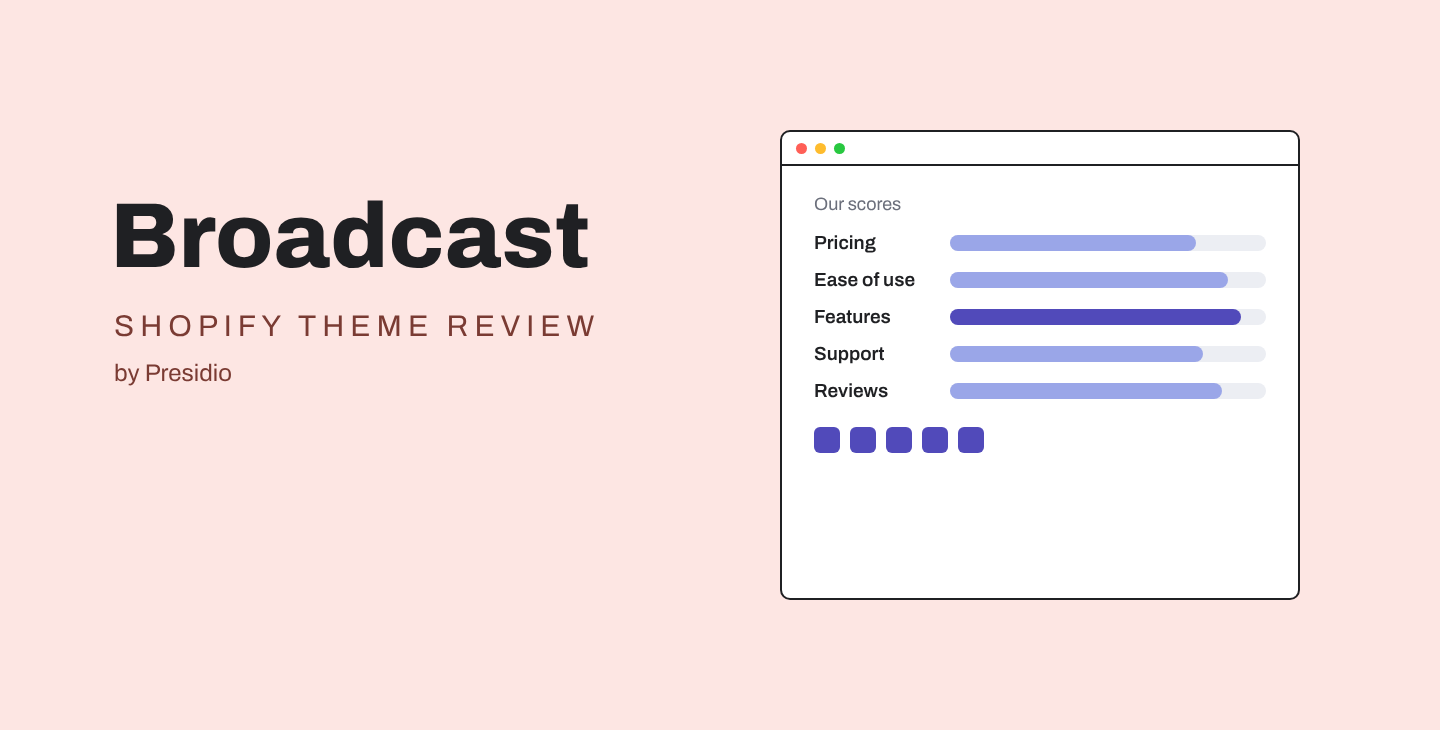
The Broadcast Shopify theme is a $420 theme by Presidio, built for stores that want to raise order value with built-in upsells, bundles and promotions, from jewelry and clothing to beauty and food brands. In this Broadcast theme review we cover the current version (8.2.0, November 2026), what it costs, its features, how support works, and whether Broadcast is worth it, with our scores for each.
We review popular Shopify themes as Shopify experts who work in them every week. For merchant ratings, see our Broadcast theme reviews.
Our scores below are editorial judgements based on the facts we checked on the Theme Store listing and in Presidio's documentation on 28 November 2026.
| Category | Score |
|---|---|
Pricing |
4/5 |
Ease of use |
4/5 |
Features |
5/5 |
Support |
4/5 |
Reviews |
4.6/5 |
Pros
- Upsells and "Bundle and save" offers on product pages and in the cart drawer, without an extra app
- 30+ customizable sections, including Shop the look, Dynamic content and a before/after image slider
- Five presets across jewelry, clothing, beauty, food and drink and kids' products
- Updated often, with version 8.2.0 released four days before this review
- 94% positive from 288 Theme Store reviews
Cons
- $420 is at the upper end of Theme Store prices
- Support is by form only, with replies within 48 hours on weekdays
- A few recent negative reviews complain about cart design, header image cropping and limited adjustments
- Some upgrades need rework: version 6.0 required merchants to reset color and typography settings
Broadcast theme overview
Presidio describes Broadcast as "powerful, feature rich and designed to incentivize sales." The Theme Store listing calls it a feature-rich theme with "30+ fully customizable sections," one-click add to cart, product upsells and promotions, designed for mobile-first traffic.
At a glance (from the Shopify Theme Store listing, checked 28 November 2026):
| Broadcast | |
|---|---|
Developer |
Presidio (Miami, Florida) |
Price |
$420 USD, one-time |
License |
Lifetime, one store |
Current version |
8.2.0 (24 November 2026) |
Presets |
Broadcast, Relay, Airwave, Motif, Stellar |
Theme Store reviews |
288, 94% positive |
Online Store 2.0 |
Yes |
Built-in translations |
English, French, Italian, German, Spanish |
According to Broadcast's documentation, the Broadcast preset is a jewelry and accessories store, Relay shows kids' products, Airwave shows food and drink, and Stellar (added in 8.1.1, April 2026) shows beauty with video throughout. Motif was added in 8.1.0 (February 2026). Presidio says its demo stores use only built-in theme features plus Shopify's free apps. You can try them on the Broadcast demo store.
About the developer: Presidio
Broadcast is now listed on the Theme Store as "by Presidio." It was previously sold under the Invisible Themes name, and invisiblethemes.com now redirects to Presidio's website, so older articles and forum threads may still credit Invisible Themes.
Presidio (Presidio Digital Partners LLC, also called Presidio Creative) describes itself as "a hybrid Shopify agency and product studio." It makes three Theme Store themes, Broadcast, Palo Alto and Modular, plus apps including Quiz Kit, Duplify, Function Junction and the Presidio+ companion app. The Theme Store lists its contact address as Miami, FL.
Presidio+ is offered on the Theme Store as an app add-on for Broadcast (free plan available, usage charges apply, free trial available). Presidio describes it as the companion app for its themes, adding bundles, gift with purchase, preorders, custom fonts and more. Version 8.2.0 added support for showing the individual products of Presidio+ fixed and mix-and-match bundles in the cart.
Pricing (4/5)
Broadcast costs $420 USD. It's a one-time payment with a lifetime license for your store, and you can use it as a draft theme for free with no time limit and pay only when you publish.
That's the same price as Palo Alto, Symmetry, Expanse and Motion, cheaper than Impulse ($500) and more than Prestige ($400) or Focal ($320), all as listed on the Theme Store on 28 November 2026. If you've seen Broadcast at a lower price in older articles, check the Theme Store: $420 is the current listed price.
Before you buy:
- The license covers one store. Presidio's theme license page says each store you run needs its own license.
- Licensed customers can download new versions free from the Theme Store.
- Built-in bundles and upsells cover a lot; Presidio+ adds more offer types but has usage charges.
The built-in bundle and upsell tools can replace an app subscription for some stores, which helps the price. It scores 4 because $420 is still a lot for a store that won't use them.
Ease of use (4/5)
Broadcast works like any Online Store 2.0 theme: you add, remove and reorder sections in Online Store > Themes > Customize, and global options live under Theme settings (colors, typography, buttons, layout, swatches and search).
Some of Broadcast's best features need setup outside the theme editor. Bundles start as an automatic discount in Discounts, and the precise bundle and upsell matching uses product metafields. That's powerful, but it takes an afternoon to learn. Upgrades can also take work: version 6.0 introduced new color palettes and typography settings that had to be reset after upgrading, and 8.0 introduced a new swatches system (the docs keep separate guides for before and after 8.0).
Features (5/5)
Every feature below is on the current Theme Store listing, in Broadcast's documentation or in its release notes.
Five presets
Broadcast, Relay, Airwave, Motif and Stellar give you different starting points. Colors, fonts and layouts can all be changed afterwards.
Bundle and save
Broadcast can show "Bundle and save" offers in the product form and the cart drawer. You create an automatic discount in Shopify, then link the bundled products with a metafield (a single product or a list), so each product can have its own bundle without extra templates. See the Bundle and save guide.
Upsells and cross-selling
Upsells can be set with metafields or with a "Goes with" feature based on product tags, on product pages and in the cart drawer. Cross-selling, recommended products and recently viewed products are listed features too.
Quick add, slide-out cart and sticky cart
Shoppers can add products from collection pages with one click, keep browsing in a slide-out cart, and use a sticky cart. Since 7.1.0 the cart and cart drawer have a discount code block.
Promotions
Promo banners, promo popups, in-menu promos, a countdown timer (as a section and in the announcement bar), scrolling text promotions, product badges, trust badges and a stock counter are all built in. Version 8.2.0 added custom product page badges with metafield support.
Shop the look and storytelling sections
Shop the look and Shop the look gallery let shoppers buy from styled images. Other sections include Dynamic content, Social video, Banner with image overlay, a before/after image slider and image hotspots.
Product page tools
Product tabs, a size chart, a fit guide, shipping and delivery information, an estimated delivery date block (since 7.1.0), product options, product videos, image zoom and color swatches are built in. Version 8.2.0 added metaobject support for sibling products and color swatches.
Collection filtering
Collection pages include filtering and sorting, swatch filters, breadcrumbs and optional infinite scroll. Since 8.2.0, infinite scroll restores loaded products and scroll position when a shopper returns with the back button.
Back-in-stock alerts and pre-orders
Back-in-stock alerts and pre-orders are listed features, with variant-level pre-order styles since 7.1.0.
High-variant products
Version 8.0.0 added support for high-variant products.
Translations
Broadcast ships with English, French, Italian, German and Spanish. For other languages, use Shopify's Translate & Adapt app.
Customer service, support and documentation (4/5)
Support form
Presidio handles Broadcast support through the form linked from its contacting support page. It replies in the order received, within 48 hours, Monday to Friday (holidays excluded). The Theme Store also lists a support email for Broadcast.
Include these in your ticket:
- Your theme version
- Your store URL (your-store.myshopify.com)
- Your collaborator request code
- A preview link if the theme isn't published
Support covers questions about built-in features, guidance on settings, and bugs in a fresh, unmodified copy of the theme. Custom code, app conflicts, Shopify checkout and Shopify admin issues aren't covered, and Presidio says it doesn't offer custom-coding services.
Phone and chat support
Not offered.
Documentation
The Broadcast documentation covers every section, theme setting, promotion feature and FAQ, plus full release notes and "About this release" guides for each major version. You can also send feature requests through the docs.
Reviews on support
Several recent Theme Store reviews (2026) praise Presidio's support team by name. You can read them on the Broadcast reviews page.
Other ways to get help
- Shopify Community: search for existing Broadcast threads or ask other merchants.
- HeyCarson: hire a vetted Shopify expert for custom work Presidio's support doesn't cover.
Reviews and testimonials (4.6/5)
As of 28 November 2026, Broadcast has 288 reviews across all presets on the Shopify Theme Store: 94% positive (270), 3% neutral (8) and 3% negative (10).
Positive reviews mostly praise support and the range of features. The recent negative ones (October and November 2026) say the cart looks dated, header images don't adapt well, and design adjustments are limited; one merchant switched to Prestige. We score it 4.6: a strong overall rating, slightly lower than Palo Alto's because of those recent complaints.
Broadcast vs similar themes
These are Theme Store themes merchants often weigh against Broadcast. Prices and ratings are from the Shopify Theme Store, checked 28 November 2026.
| Theme | Developer | Price | Positive reviews |
|---|---|---|---|
Broadcast |
Presidio |
$420 |
94% (288) |
Presidio |
$420 |
94% (313) |
|
Clean Canvas |
$420 |
94% (392) |
|
Archetype Themes |
$420 |
97% (558) |
|
Maestrooo |
$400 |
91% (879) |
How we'd choose:
- You want bundles and upsells without another app: Broadcast.
- Same developer and price, more image-led promotions: Palo Alto. Both share Presidio's support team and the Presidio+ app.
- Animation and video at the same price: Motion.
- Premium, editorial brand: Prestige.
- Large catalog: see our Warehouse theme review and Expanse theme review.
Brands using the Broadcast theme
The Theme Store listing shows these stores as examples. We checked each one live on 28 November 2026, and both still run Broadcast:
- Erewhon: the Los Angeles grocer's nationwide shipping store (Broadcast 7.1.1)
- Spence: racquet sports brand (Broadcast 8.0.0, customized)
To find more, open the Broadcast listing and scroll to "Stores using this theme."
How to customize Broadcast
These tips come from Broadcast's own settings and documentation.
- Set up colors and typography first. Broadcast uses color schemes and typography settings under Theme settings; change them before you build pages so every section picks them up.
- Plan your metafields for bundles and upsells. Create the automatic discount first, then add the bundle and upsell metafields to your products. Doing this in bulk before launch saves hours later.
- Use the right banner image sizes. Presidio publishes recommended image dimensions for banners; following them avoids the header cropping some reviewers mention. Check the mobile image settings in Slideshow and Banner sections too.
- Keep custom CSS in one place. The docs show where to make CSS changes so they're easier to carry over to new versions.
- Update into a copy, not your live theme. Follow how to update Broadcast, review every page in the new version, and only then publish.
- Check your version before asking for help. Support asks for it in every ticket; the docs show how to check your theme version.
For custom sections, deeper cart changes or app integrations, you'll need a developer: Presidio's support covers stock theme code only.
Final verdict: is the Broadcast theme worth it?
Yes, if raising order value is your priority. Broadcast's built-in bundles, upsells, quick add and cart drawer promotions cover what many stores pay apps for, it's updated several times a year, and 94% of its 288 Theme Store reviews are positive.
It's less of a fit if you want a highly editorial look with few promotions, or if you need faster support than a 48-hour weekday reply. Read the recent negative reviews about cart design and header images, then test those pages with your own products. Since you can try it free and only pay when you publish, there's little risk in setting it up first.




 Request to Join