


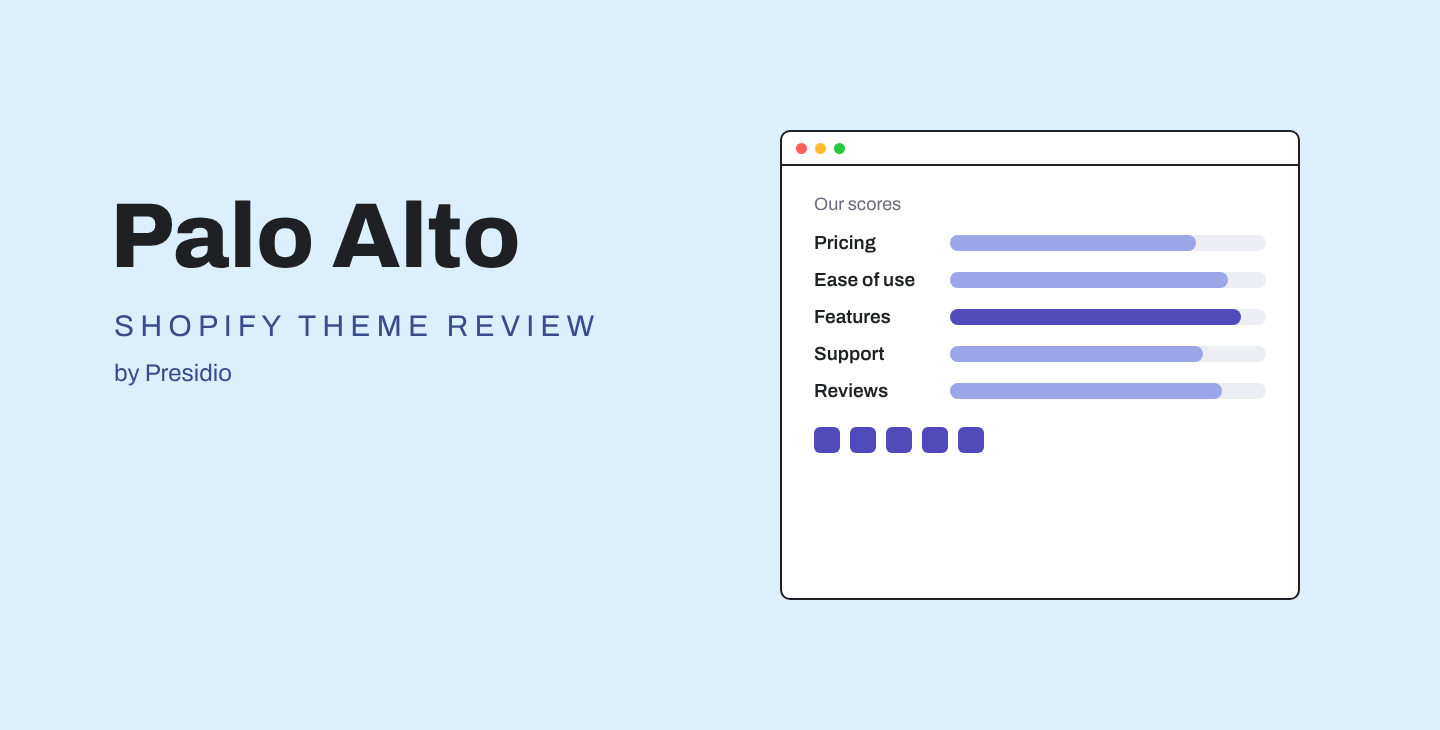
The Palo Alto Shopify theme is a $420 theme by Presidio, built for brands that sell with big imagery and run a lot of promotions, such as clothing, beauty, shoes and home decor stores. In this Palo Alto theme review we cover the current version (9.2.1, October 2026), what it costs, its features, how support works, and whether Palo Alto is worth it, with our scores for each.
We review popular Shopify themes as Shopify experts who work in them every week. For merchant ratings, see our Palo Alto theme reviews.
Our scores below are editorial judgements based on the facts we checked on the Theme Store listing and in Presidio's documentation on 28 November 2026.
Pros
- A long list of built-in promotion tools: promo popups, countdown timers, in-menu promos, promo blocks in featured collections and product badges
- Shop the look, upsells, quick buy and a slide-out cart without extra apps
- Five presets covering clothing, bags, shoes, beauty and home decor
- Updated often: three feature releases in 2026 alone
- 94% positive from 313 Theme Store reviews
Cons
- $420 puts it at the upper end of Theme Store prices
- Support is by form only, with replies within 48 hours on weekdays
- Some updates need rework: version 9.2.0 rebuilt the cart drawer with blocks, and Presidio says you may need to set the cart up again
- Bundles, gift with purchase and custom fonts come through the separate Presidio+ app, which has usage charges
Palo Alto theme overview
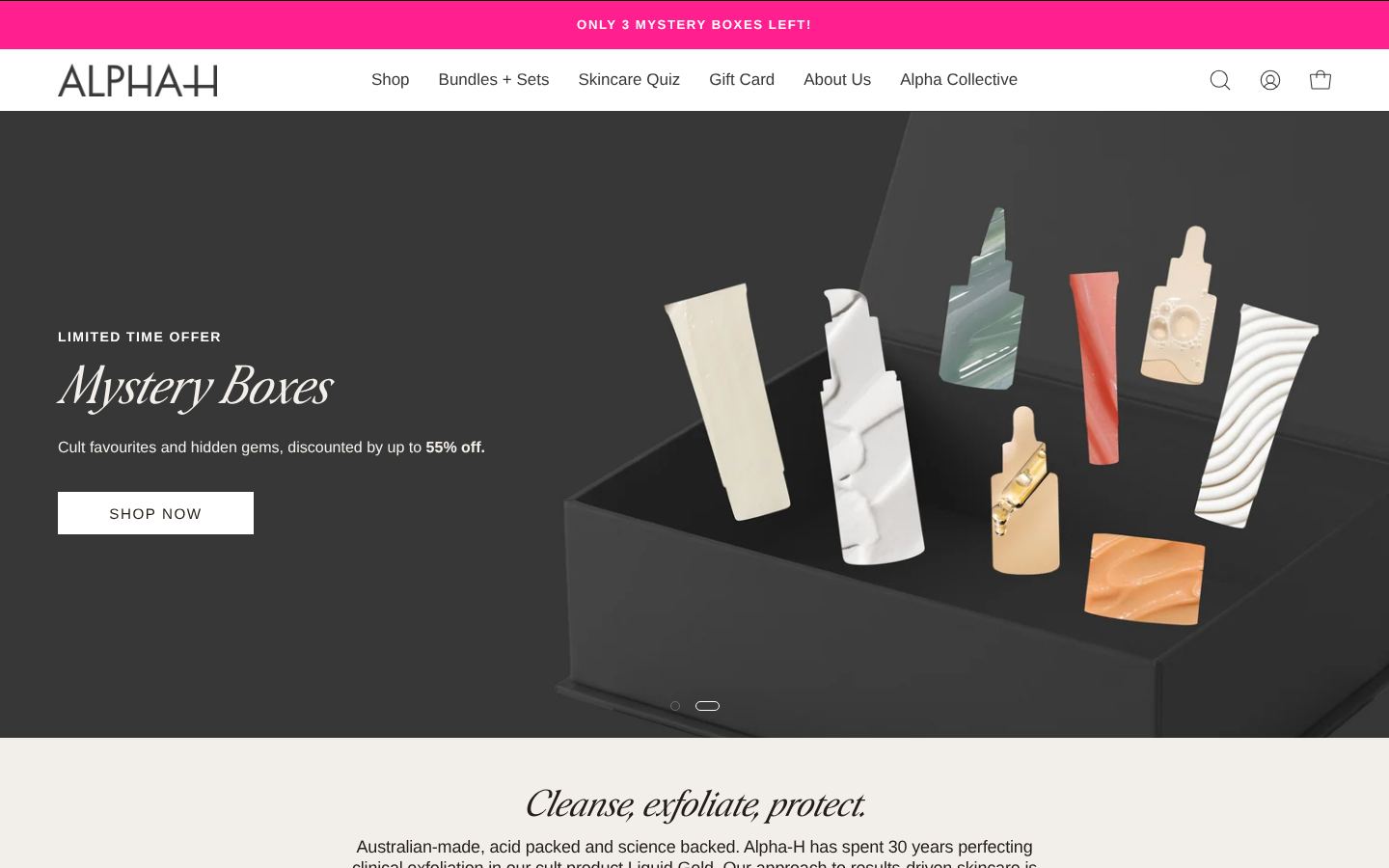
Presidio describes Palo Alto as offering "exceptional design and powerful features to elevate your brand." Its documentation puts the emphasis on promotions: promotion-focused sections, newsletters and pop-ups, plus promotional placements on the home page, inside collections and on product pages. It ships with over 30 customizable sections, including Shop the look, a Featured collection with several layouts and an Image accordion.
At a glance (from the Shopify Theme Store listing, checked 28 November 2026):
| Palo Alto | |
|---|---|
Developer |
Presidio (Miami, Florida) |
Price |
$420 USD, one-time |
License |
Lifetime, one store |
Current version |
9.2.1 (28 October 2026) |
Presets |
Palo Alto, Dynamo, Skylight, Phenomena, Pluma |
Theme Store reviews |
313, 94% positive |
Online Store 2.0 |
Yes |
Built-in translations |
English, French, Italian, German, Spanish |
Each preset is built around a product category. According to Presidio's documentation, the Palo Alto preset is a clothing store, Dynamo shows bags, Skylight shows shoes, Phenomena shows beauty and skin care, and Pluma (added in version 9.0.1, October 2025) shows home decor. Presidio says its demo stores use only built-in theme features plus Shopify's free apps. You can try them on the Palo Alto demo store.
About the developer: Presidio
Presidio (Presidio Digital Partners LLC, also called Presidio Creative) describes itself as "a hybrid Shopify agency and product studio." Alongside client builds, it makes three Theme Store themes, Palo Alto, Broadcast and Modular, and several apps, including Quiz Kit, Duplify, Function Junction and the Presidio+ companion app. The Theme Store lists its contact address as Miami, FL. See Presidio's website for its themes and client work.
Presidio+ is worth knowing about if you choose Palo Alto. The Theme Store offers it as an app add-on for the theme (free plan available, usage charges apply, free trial available), and Palo Alto's documentation lists what it adds: bundles, buy X get Y, gift with purchase, product siblings, color swatches, an elements library, custom fonts and checkout text blocks.
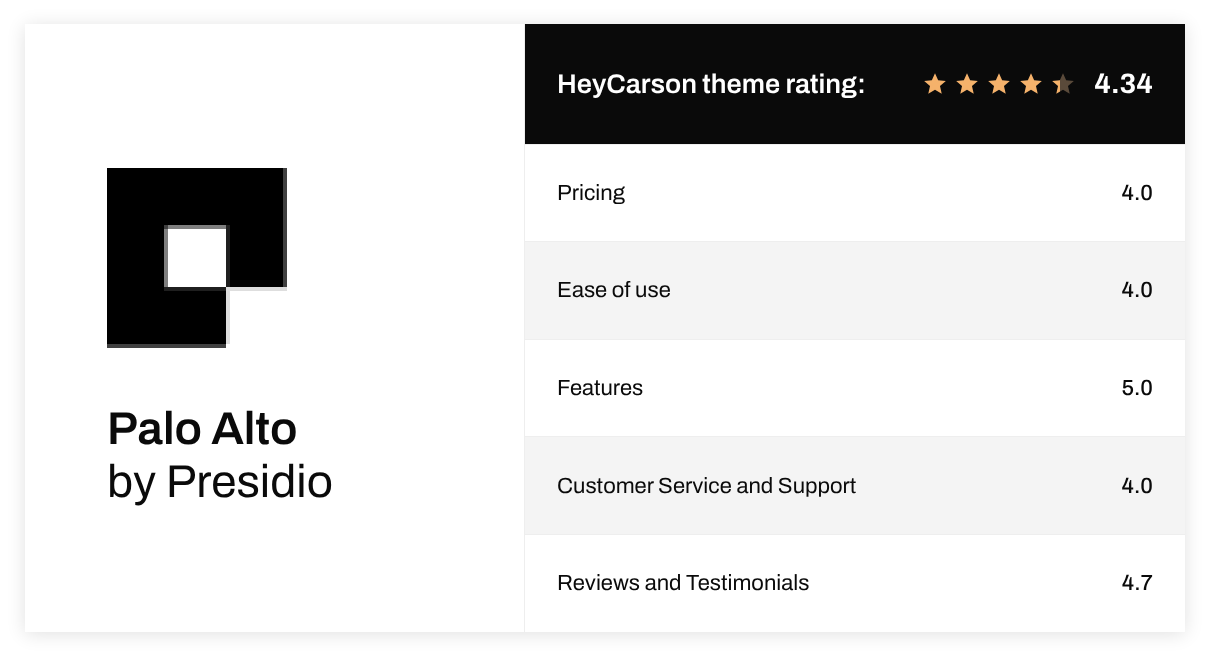
Pricing (4/5)
Palo Alto costs $420 USD. It's a one-time payment with a lifetime license for your store, and you can use it as a draft theme for free for as long as you like and pay only when you publish.
That's the same price as Broadcast, Symmetry, Expanse and Motion, cheaper than Impulse ($500) and more than Prestige ($400) or Focal ($320), all as listed on the Theme Store on 28 November 2026.
Before you buy:
- The license covers one store. Presidio's theme license page says each store you run needs its own license, and copies bought through marketplaces such as Fiverr, Etsy or an agency aren't valid.
- Licensed customers get free theme updates and free technical support from Presidio.
- If you want bundles or gift-with-purchase offers built by the same team, budget for Presidio+ usage charges on top.
We think $420 is fair for what's built in, but it's a lot for a store that won't use the promotion features. That's why it scores 4, not 5.
Ease of use (4/5)
Day to day, Palo Alto works like any Online Store 2.0 theme: you add, remove and reorder sections in Online Store > Themes > Customize, and global options live under Theme settings. The presets give you a working layout for common categories, so most stores start by picking the closest preset and swapping in their own images and copy.
The catch is the sheer number of options. With 30+ sections, many blocks per section and separate mobile settings for text sizes and image ratios, there's a lot to learn. Upgrades can also take work: version 9.2.0 moved the cart drawer to blocks, and the release notes warn that you may need to reconfigure the cart when you upgrade. Presidio's update guide also notes that custom code isn't copied over and most apps need to be set up again.
Features (5/5)
Every feature below is on the current Theme Store listing or in Presidio's release notes.
Five category presets
Palo Alto, Dynamo, Skylight, Phenomena and Pluma give you a clothing, bags, shoes, beauty or home decor starting point. Colors, fonts and layouts can all be changed afterwards.
Promotions built in
This is Palo Alto's main strength. The listing includes promo banners, promo popups, in-menu promos, a countdown timer, product badges and a stock counter. Version 9.1.0 added a countdown timer to the header, and 9.2.0 added a marquee option for product grid badges.
Shop the look and image hotspots
Shop the look sections (grid and banner versions) let shoppers buy products straight from a styled image, and image hotspots link points on an image to products. Both suit fashion and home decor stores that sell outfits or rooms.
Quick buy, slide-out cart and sticky cart
Shoppers can add products from collection pages, keep browsing in a slide-out cart, and use a sticky add to cart bar on product pages (an option since 9.1.0). Since 9.2.0 the cart drawer is built from blocks, so you can change its layout.
Cross-selling and recommendations
Cross-selling, recommended products and recently viewed products help raise order value. The product recommendations section has a grid layout option and a products-per-row setting.
Product page tools
Product tabs, a size chart, product videos, image zoom, image galleries and color swatches are all built in. Recent versions added a fit guide block, a timer block, a "final sale" callout for products that can't be returned, and variant-level pre-order styles.
Collection filtering and navigation
Collection pages include filtering and sorting, swatch filters, breadcrumbs and infinite scroll. Version 9.2.1 added a "top slide-out" layout for collection filters, and the mega menu supports images with text position settings.
Back-in-stock alerts and pre-orders
Back-in-stock alerts and pre-order support are listed features, so you can keep selling or collecting interest on products that are out of stock.
Social gallery
A Social gallery section (added in 6.1.0, with a video block since 9.2.1) lets you show customer or social images without an extra app.
High-variant products
Version 9.0.0 added support for high-variant products, following Shopify's raised variant limits.
Translations
Palo Alto ships with English, French, Italian, German and Spanish. For other languages, use Shopify's Translate & Adapt app.
Customer service, support and documentation (4/5)
Support form
Presidio handles Palo Alto support through a support request form. Its support policy says it replies within 48 hours, Monday to Friday (holidays excluded), in the order requests arrive.
Include these in your ticket:
- Theme name and version
- Your store URL (your-store.myshopify.com)
- Your collaborator request code
- A preview link if the theme isn't published
Support covers questions about built-in features, guidance on settings, and bugs in a fresh, unmodified copy of the theme. It doesn't cover custom code, app conflicts, Shopify admin or checkout issues, or speed, SEO and design services. Presidio points those to Shopify Support, the app developer or a Shopify expert.
Phone and chat support
Not offered. Support is through the form only.
Documentation
The Palo Alto documentation covers every section and block, theme settings, updates, image sizes, custom fonts, CSS customizations and licensing. It also publishes full release notes and "About this release" guides for each major version.
Reviews on support
Many recent Theme Store reviews (2026) single out fast, helpful support from Presidio's team. You can read them on the Palo Alto reviews page.
Other ways to get help
- Shopify Community: search for existing Palo Alto threads or ask other merchants.
- HeyCarson: hire a vetted Shopify expert for custom work Presidio's support doesn't cover.
Reviews and testimonials (4.7/5)
As of 28 November 2026, Palo Alto has 313 reviews across all presets on the Shopify Theme Store: 94% positive (294), 2% neutral (7) and 4% negative (12).
Recent positive reviews praise the range of built-in features, regular updates and responsive support. With so few negative reviews, there's no single recurring complaint, but bear in mind the upgrade work described above. We score it 4.7: a high, steady rating from a meaningful number of reviews.
Palo Alto vs similar themes
These are Theme Store themes merchants often weigh against Palo Alto. Prices and ratings are from the Shopify Theme Store, checked 28 November 2026.
| Theme | Developer | Price | Positive reviews |
|---|---|---|---|
Palo Alto |
Presidio |
$420 |
94% (313) |
Presidio |
$420 |
94% (288) |
|
Archetype Themes |
$500 |
94% (1,306) |
|
Clean Canvas |
$420 |
94% (392) |
|
Maestrooo |
$400 |
91% (879) |
How we'd choose:
- Image-led brand that runs regular promotions: Palo Alto.
- Same developer, same price, more sections for upsells and bundles: Broadcast. The two share Presidio's support team and the Presidio+ app.
- Fashion brand with heavy promotion calendars and a bigger review base: Impulse, for $80 more.
- Premium, editorial brand with fewer promotions: Prestige.
- Small catalog or tight budget: start with a free theme. Our Dawn Shopify theme review covers what you get for free.
Brands using the Palo Alto theme
The Theme Store listing shows these stores as examples. We checked each one live on 28 November 2026, and all five still run Palo Alto:
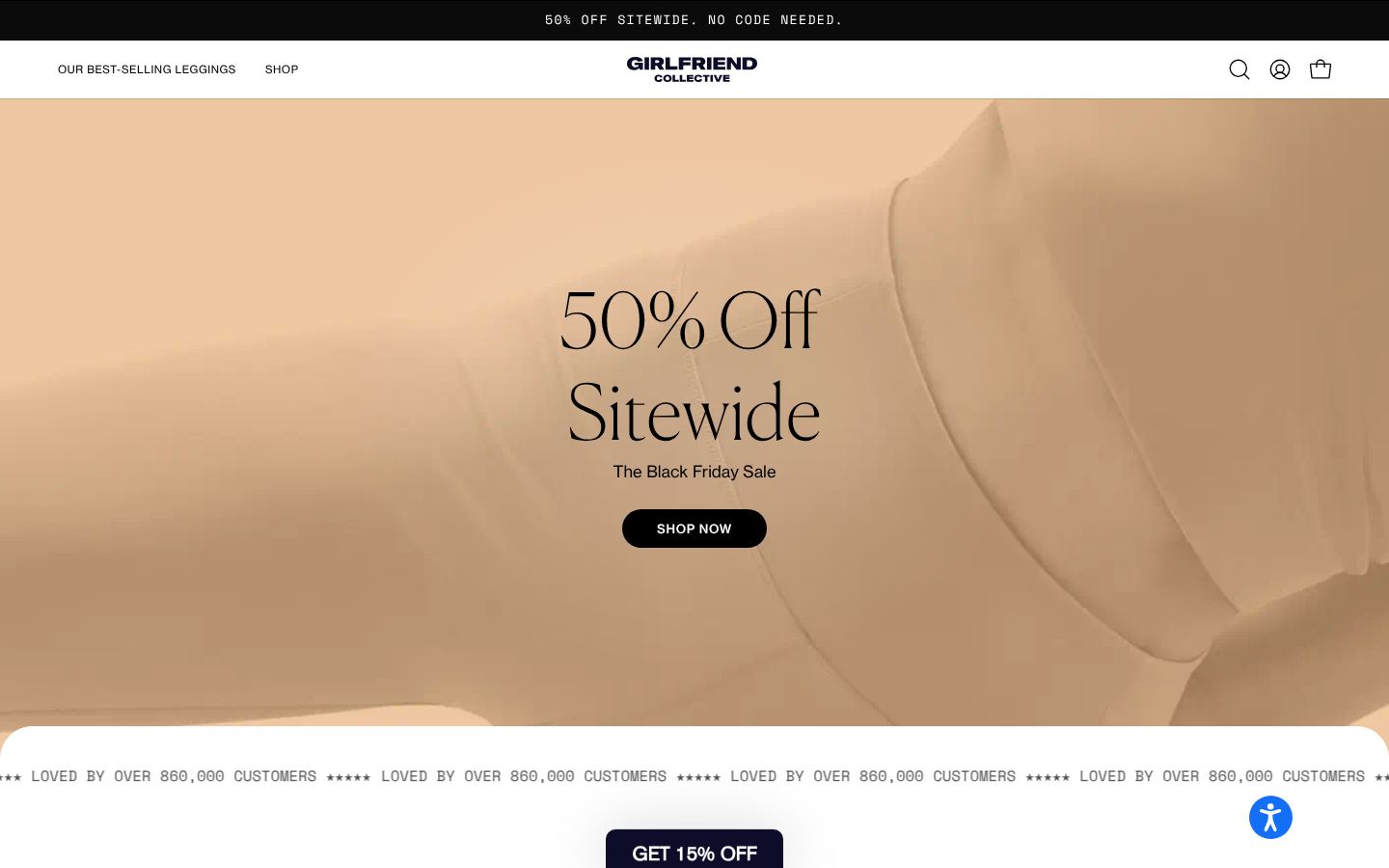
- Alpha-H: Australian skin care brand (a customized Palo Alto build)
- FILA Latin America: sportswear (Palo Alto 6.2.2)
- Girlfriend Collective: activewear (Palo Alto 7.0.0)
- Shakti Mat: acupressure mats (Palo Alto 9.2.0)
- Gold's Gym shop: gym apparel and merchandise (Palo Alto 6.1.0)
Several of these run older versions, which is common: stores that customize heavily often stay on the version they launched with.
How to customize Palo Alto
These tips come from Palo Alto's own settings and documentation.
- Start from the closest preset. Pick the preset that matches your category, then change colors and fonts under Theme settings before you build pages.
- Follow the recommended image sizes. Presidio publishes recommended image sizes and an image aspect ratio guide. Since 9.2.1 you can set a separate mobile aspect ratio for the product grid and product gallery.
- Use the highlight feature in headings. Palo Alto has a highlight feature for words in headings (with an alternate text option since 6.1.0); the highlight words guide shows how.
- Put custom CSS in the right place. Presidio documents where to add CSS customizations so they're easier to carry over.
- Duplicate before every app install or update. Presidio's support policy recommends duplicating your live theme before installing any app. When you update, Shopify adds the new version to your theme library without replacing your live theme; review every page before you publish.
- Check your version before asking for help. The docs explain how to check your theme version, which support asks for in every ticket.
For bigger changes, such as custom sections or app integrations, you'll need a developer: Presidio's support doesn't cover custom code.
Final verdict: is the Palo Alto theme worth it?
Yes, if you're an image-led brand that runs promotions often. Palo Alto packs promo popups, countdown timers, shop the look, upsells, a block-based cart drawer and back-in-stock alerts into one theme, it's updated several times a year, and 94% of its 313 Theme Store reviews are positive.
It's less of a fit if you run a small store that won't use the promotion tools, or if you need help faster than a 48-hour weekday reply. Also plan for upgrade work if you customize heavily. Since you can try it free and only pay when you publish, set it up with your own products and promotions before you decide.




 Request to Join