


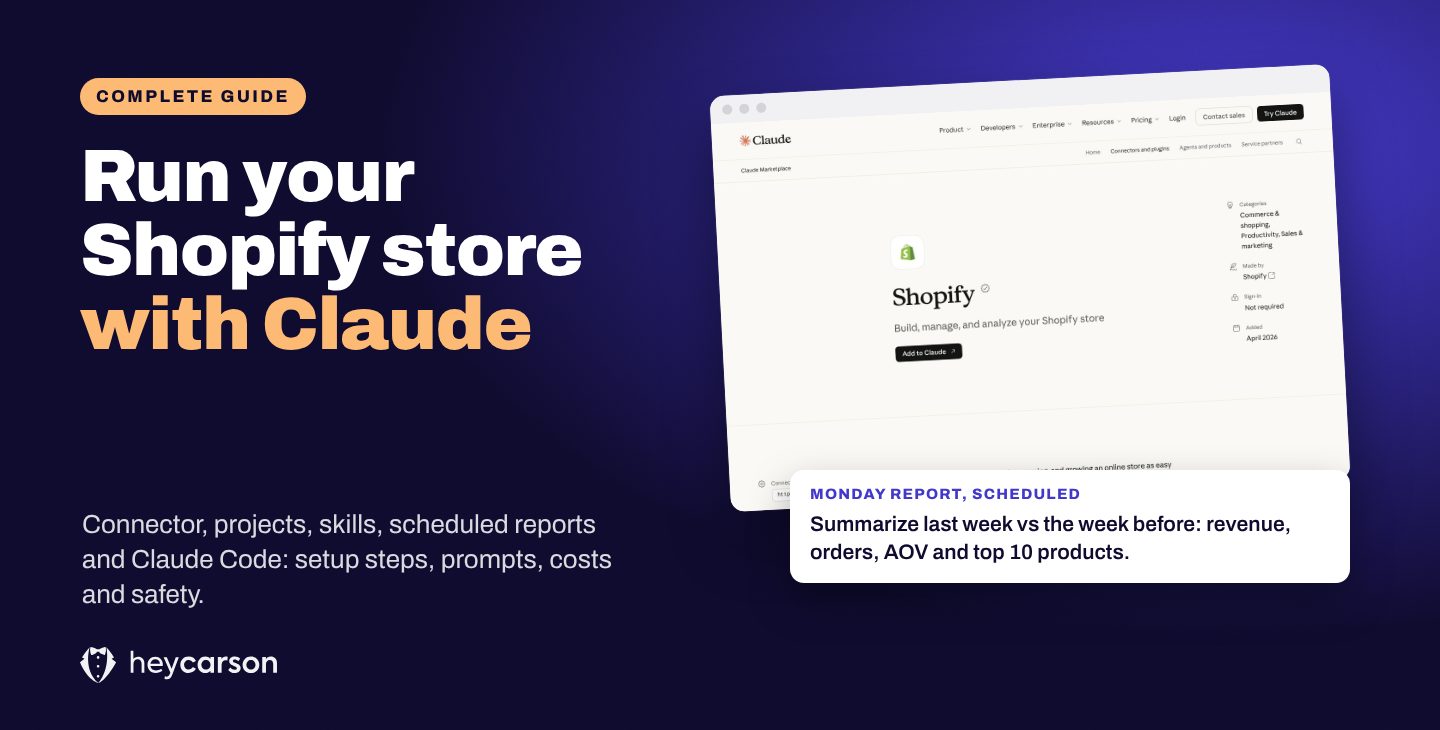
You can run a large part of a Shopify store with Claude in 2026: connect the official Shopify connector and Claude can look up orders, customers and analytics, create and edit products, collections, discounts and inventory, and work on an unpublished copy of your theme, all from a chat. Add Claude Projects for your store's standing instructions, Skills for repeatable audits, scheduled tasks for weekly reports, and Claude Code for theme development, and you have an assistant that handles most of the busywork while you approve the decisions.
This guide covers every part of that setup, step by step, with the prompts we use, what each piece costs and the safety rules we follow. It's based on Anthropic's and Shopify's documentation as of 28 November 2026 and on how we use Claude ourselves: we run heycarson.com, including this blog, with Claude Code, from SEO and accessibility sweeps to writing and publishing posts through pull requests.
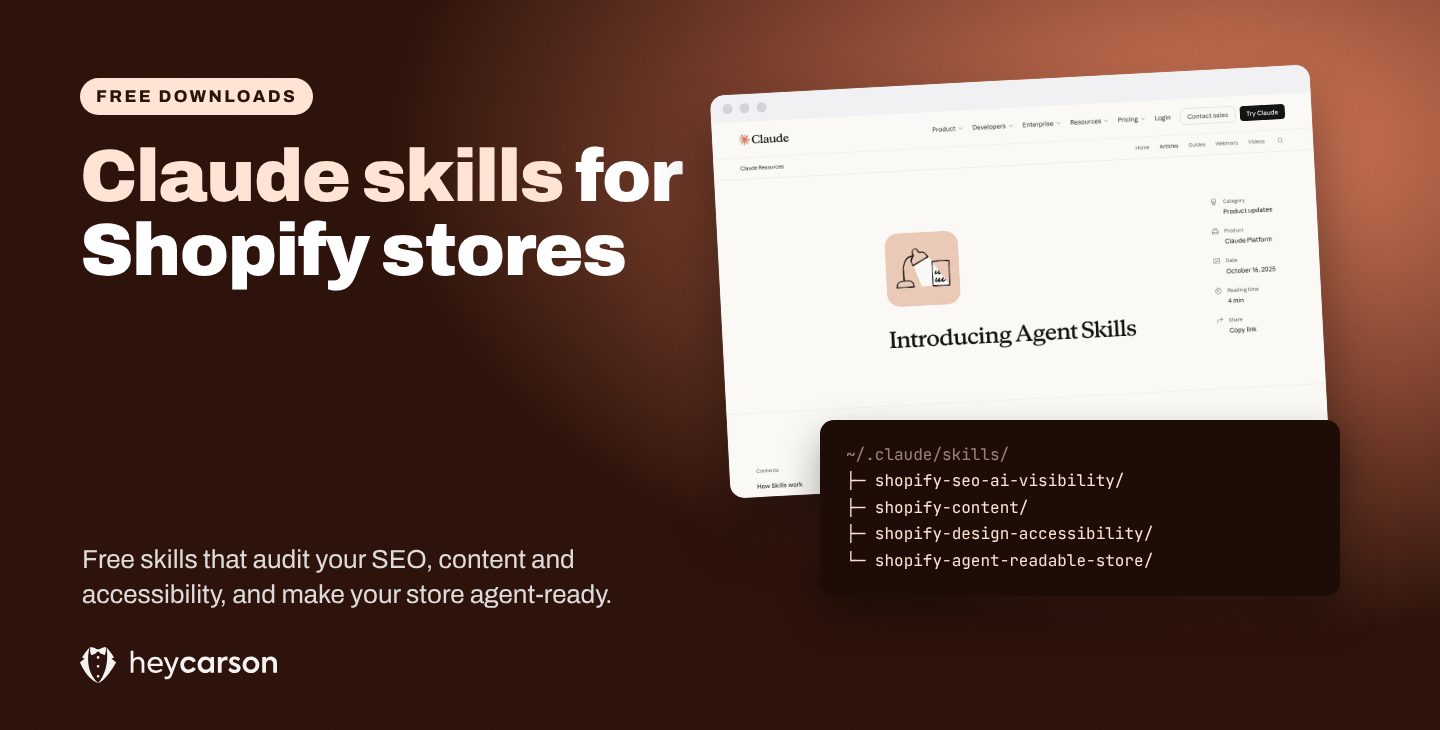
If you only want the free audits, our Claude skills for Shopify post has four ready-made skills to download.
Which Claude tool for which store job
Claude comes in several forms, and most store owners only need two or three. This table is our map of which one fits each job.
| Store job | Best Claude tool | Plan |
|---|---|---|
Orders, products, discounts, reports |
Claude + Shopify connector |
Free and up |
Standing store instructions |
Claude Projects |
Free and up |
Repeatable audits (SEO, content) |
Claude Skills |
Free and up |
Weekly reports on autopilot |
Scheduled tasks |
Pro and up |
Theme code and custom sections |
Claude Code + Shopify CLI |
Pro and up |
Admin pages with no API |
Claude in Chrome or Cowork |
Pro and up |
Email marketing data |
Claude + Klaviyo connector |
Free and up |
Designing a store with Canvas |
Shopify connector for Claude |
Free and up |
Plan columns show the lowest Claude plan that includes the feature, per Claude's pricing page. Free-plan usage is limited, so a store that uses Claude daily will usually want Pro.
What Claude costs for a store owner
This table compares Claude's plans as of 28 November 2026.
| Plan | Price | What it adds for a store |
|---|---|---|
Free |
$0 |
Connectors, Projects (up to 5), Skills, file creation |
Pro |
$20/month, or $17 billed yearly |
Claude Code, Research, Claude in Chrome, scheduled tasks |
Max |
$100/month |
5x Pro usage, priority at busy times |
Ultra |
$200/month |
Higher usage than Max |
Team |
From $20/seat/month billed yearly |
Shared connectors, admin controls, no training on your data |
Team's Standard seat is $25 a month billed monthly, and a Premium seat with more usage is $100 a month billed yearly. Enterprise starts at $20 a seat a month billed yearly with a 20-seat minimum, plus usage at API rates.
Our take: a solo merchant gets real value from Pro. Move to Max only if you hit usage limits on busy weeks. A store with staff should consider Team, mainly because commercial terms mean Anthropic doesn't train on your data, and an owner controls which connectors staff can use.
Step 1: Connect Shopify to Claude
The Shopify connector for Claude is made by Shopify, verified by Anthropic and listed in Claude's directory since April 2026. It's installed from Claude, not from the Shopify App Store, and Shopify says there's no extra Shopify fee for it.
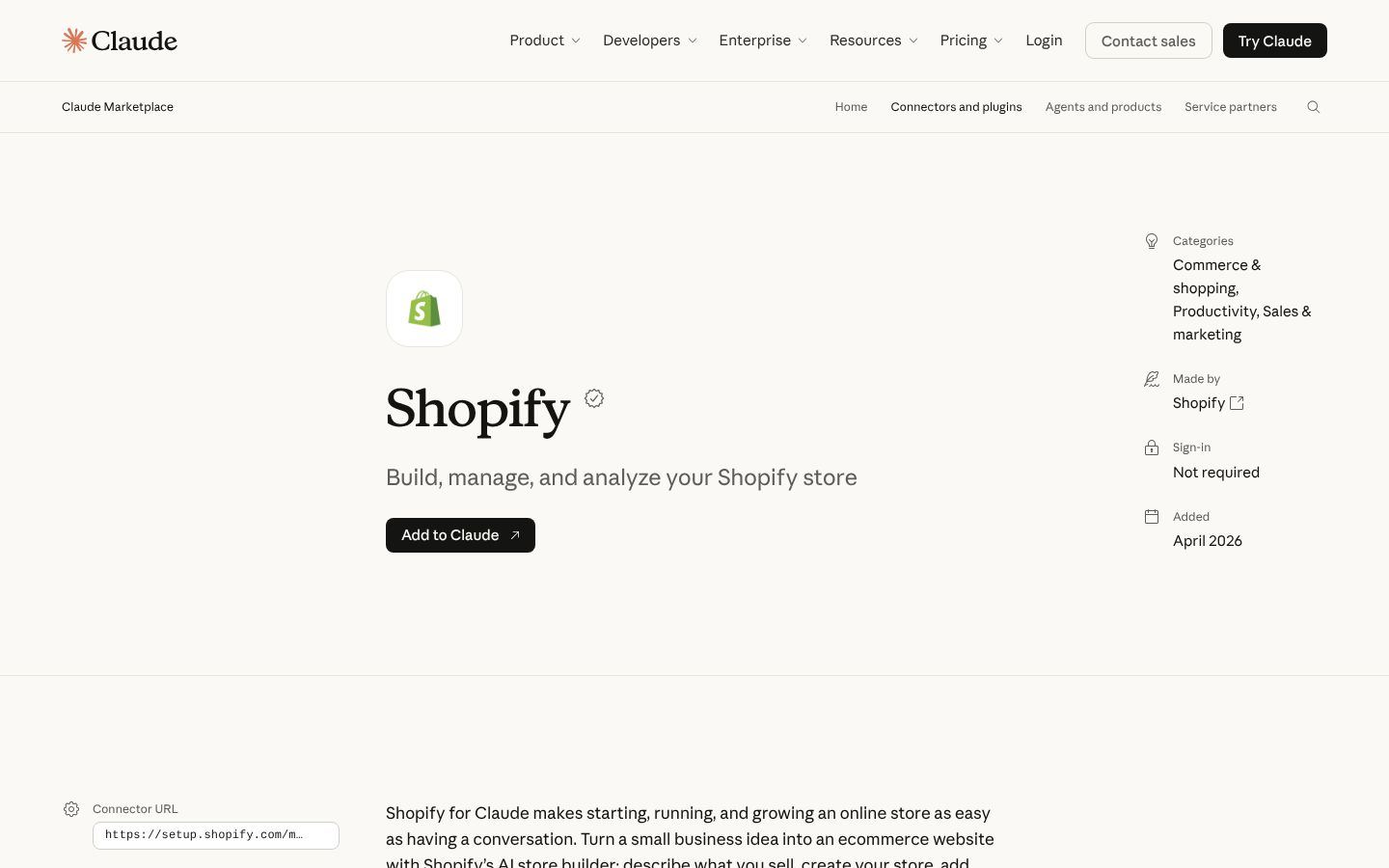
To set it up, from Shopify's Help Center:
- Use a desktop browser for setup.
- Open Claude and ask for Shopify, or go to Customize > Connectors, click +, find Shopify and click Connect.
- You're sent to your Shopify admin. Choose the store and approve the access Claude asks for.
- In a chat, turn the connector on from the + menu under Connectors, then ask your first question: "How many orders did we get last week, and what were the top five products by revenue?"
On a Team plan, an Owner or Primary Owner adds the connector under Organization settings > Connectors, and each person then connects their own account.
What the Shopify connector can and can't do
From Shopify's Help Center and the connector's directory listing (25 tools, including list-orders, create-product, set-inventory, create-discount and run-analytics-query):
It can:
- Create a store, even before you have a Shopify account
- Add and edit products, collections, discounts and inventory
- Look up orders, customers and analytics (analytics is read-only)
- Create digital products and source Shopify Collective products
- Work with pages and menus, with confirmation
- Edit an unpublished theme, including building a store with Canvas
It can't:
- Change plan, payment, tax or domain settings
- Refund, cancel or capture orders, process returns or manage gift cards
- Change your live theme, publish or delete a theme without your confirmation
That split is sensible: Claude does the busywork, and anything that moves money or changes what customers see needs you.
Read-only or write access
When you approve the connector, you choose read-only or write access. Write access "lets the tool edit data and take actions on your behalf", per Shopify's authorization guide. Two rules to know:
- The connector can never do more than the staff member who connected it. Connect with a staff account that has only the permissions Claude needs.
- To revoke access, uninstall the integration in your Shopify admin. To lower access from write to read-only, uninstall and reinstall.
Our setup: start read-only for two weeks. Use it for reports and questions until you trust the answers, then reconnect with write access for product and discount work.
Step 2: Set up a Shopify project in Claude
A Claude Project keeps your store's context in one place: "Anything you upload to this space will be used across all of your chats within that project", per Claude's Help Center. Projects are available on every plan; free accounts can have five.
- Go to claude.ai/projects and click + New Project. Name it after your store.
- Click Set project instructions and paste your standing instructions (template below).
- Upload reference files: your brand voice guide, shipping and returns policy, size charts, a product spreadsheet export, last year's sales by month.
- Start every store chat inside this project, with the Shopify connector on.
This is the project instruction template we start with. Edit the brackets:
You help run [Store name], a Shopify store selling [what you sell] to [who] in [markets].
Tone: [warm, plain English, no hype]. Spell in [US/UK] English.
Currency: [USD]. Time zone: [America/New_York]. Week starts Monday.
Never change prices, publish themes, or send customer emails without asking me first.
When you report numbers, say which date range and where they came from.
Product titles: [Brand] + product + key attribute, under 70 characters.
Our best-sellers are [x, y, z]; our margin floor is [40%].
If you're not sure about a fact, say so instead of guessing.
The last line matters most: it gives Claude permission to say "I don't know" instead of filling a gap with a plausible guess.
Step 3: Connect your other tools
Store work rarely lives only in Shopify. These connectors and servers are worth adding, as of 28 November 2026:
- Klaviyo. Klaviyo's own connector, verified by Anthropic, reports on campaigns and flows and can create campaigns (27 tools). Ask: "Compare last month's Black Friday campaigns by revenue per recipient." Our Klaviyo Shopify integration guide covers the Shopify side.
- Gmail, Google Calendar and Google Drive. Available to all users. Gmail can search, draft and send; outside Auto mode, Claude asks before sending. Useful for supplier emails and customer service drafts.
- Google Analytics. There's no GA connector in Claude's directory yet. Google publishes its own Analytics MCP server that works with Claude Code; it reads data and "can't create, modify, or delete your Google Analytics configuration". It needs Python 3.10+ and a Google Cloud project, so it's a job for a developer or a confident owner.
- Search Console. No native connector yet. A third-party connector (Supermetrics) covers it, or export queries to a spreadsheet and upload it to your project. Our Search Console for Shopify guide explains what to export.
You can add any service that offers an MCP server as a custom connector: Customize > Connectors > + Add > Add custom connector, then paste the server URL. Free users can add one custom connector.
Step 4: Install skills for repeatable work
A Claude Skill is a folder of instructions, scripts and resources Claude loads when a task matches it. Anthropic launched Skills on 16 October 2025, and they now work on every plan with code execution turned on.
Install a skill in Claude.ai:
- Go to Settings > Capabilities and turn on code execution and Create and edit files.
- Go to Customize > Skills, click +, then + Create skill, then Upload a skill.
- Upload the skill's zip file and turn it on.
Install a skill in Claude Code: unzip it into ~/.claude/skills/ for all projects, or .claude/skills/ inside one project's folder.
Skills worth installing for a Shopify store:
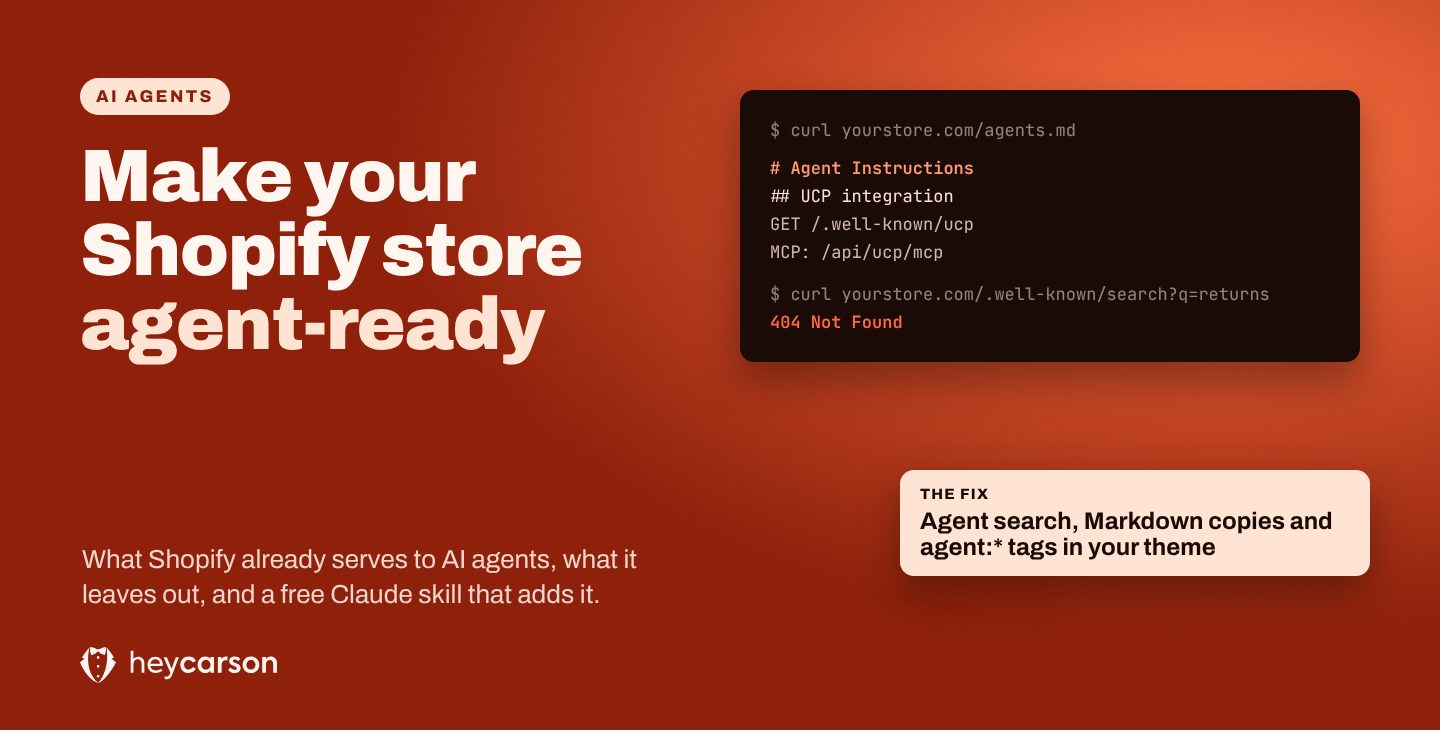
- Our free Shopify skills: an SEO and AI visibility audit, a content checker for product and blog copy, an accessibility test for your theme, and an agent-readable store skill. All four are free in our Claude skills for Shopify post, and the agent-readable one is explained in our agent-ready Shopify store guide.
- Anthropic's built-in document skills: Excel, Word, PowerPoint and PDF. Claude uses them automatically, so "turn this export into a margin report spreadsheet" just works.
- Shopify's own skill file: Shopify publishes
shopify.com/SKILL.mdfor AI tools. Prompt: "Follow the instructions at shopify.com/SKILL.md to set up my Shopify store." In Claude, it asks you to turn on the Shopify connector.
Step 5: Automate with scheduled tasks
Scheduled tasks run a prompt on a schedule (hourly, daily, weekly or weekdays) and keep running while your computer sleeps, because they run remotely. They're available on all paid plans. Create one from Scheduled > New task, or type /schedule.
These are the scheduled tasks we'd set up first for a store:
- Monday 8:00, weekly trading report. "Using the Shopify connector, summarize last week: revenue, orders, average order value and conversion vs the week before; top 10 products; any product with stock under two weeks of sales. Put it in a short table."
- Daily 7:30, low stock check. "List variants with fewer than [10] units or fewer than 14 days of stock at the last 30 days' sales rate."
- Monthly, 1st, discount clean-up. "List active discount codes, their usage in the last 30 days and any that expired but are still active."
One catch from Anthropic's docs: if a connector tool is set to "Always ask", a scheduled run may wait for your answer or finish without that tool. For read-only reports, set those tools to allow.
Claude Code for theme development
Claude Code is Anthropic's agentic coding tool: it "reads your codebase, edits files, runs commands", in your terminal, IDE, the Claude desktop app or the web. It's included from Pro. This is how we'd set it up for Shopify theme work.
1. Install Claude Code and the Shopify CLI.
curl -fsSL https://claude.ai/install.sh | bash      # Claude Code (macOS/Linux)
npm install -g @shopify/cli@latest                   # Shopify CLI
2. Add Shopify's AI Toolkit, which connects Claude Code to Shopify's developer docs, API schemas and CLI store management (Shopify's docs):
claude plugin install shopify-ai-toolkit@claude-plugins-official
3. Pull your theme and work on a copy.
shopify theme pull --store your-store.myshopify.com   # download a theme
claude                                                # start Claude Code in the theme folder
shopify theme dev --store your-store.myshopify.com    # live preview at http://127.0.0.1:9292
shopify theme push --unpublished                      # upload as a new unpublished theme
Never let an agent push to your live theme. shopify theme push --unpublished creates a new theme you can preview and publish yourself.
4. Give it an AGENTS.md. Shopify documents an AGENTS.md file at a theme's root that tells AI agents how the theme is built (up to 50 KB). Claude Code reads AGENTS.md too, and Shopify CLI 4.8.4 and later includes it when you pull and push. A useful one lists the theme's section conventions, which files never to touch, how settings are named, and "test on mobile before you say it's done".
How we use it at HeyCarson: we work on a branch, let Claude Code make the change and run checks (lint, a local build, screenshots at phone and desktop width), review the diff, then open a pull request and deploy. The same habit works for a Shopify theme: unpublished theme in place of a branch, preview link in place of a pull request, and you publish only after checking it on your phone.
Claude in Chrome and Cowork for admin tasks without an API
Some admin work isn't covered by the connector: bulk-editing something in an app's settings screen, copying data from a supplier portal, checking a competitor's prices. For those:
- Claude in Chrome is a browser extension, generally available on every paid plan since 26 August 2026. It reads pages, clicks and fills forms "using your existing logins", in desktop Chrome only.
- Cowork uses the same agentic engine as Claude Code without a terminal. It can read and write local files and use a browser, on paid plans.
Use both with care in your Shopify admin: they act as you, with your permissions. Watch the first few runs, and don't leave them unattended on anything involving payments or customer data.
Designing your store with Canvas from Claude
Shopify's Fall '26 Edition lets you design stores with Canvas from AI tools like Claude. Through the Shopify connector, a store you create in Claude starts with a Canvas theme; Claude can show screenshots of your store in the chat, take image uploads (up to 20 MB each), and edit an unpublished theme, with changes pending until it commits them. Canvas itself is in early access and works only with Shopify's own themes and custom themes. Our Shopify Canvas guide covers it in depth, and our Shopify AI store builder guide covers the faster, simpler option.
Claude Duet: what it means for merchants
Claude Duet is an Anthropic app where "Claude works as a proactive agent", in research preview since 21 October 2026 for Pro, Max and Ultra subscribers in the US via a waitlist. Two things matter for Shopify merchants:
- For running a store, Anthropic says Duet can "set up, design, and manage your Shopify store".
- For selling, shoppers in Duet can pay with Shop Pay for purchases they approve, with a single-use card per purchase. Shopify's Fall '26 Edition says shoppers can buy "from any brand on or off Shopify" through Duet.
What it isn't, yet: Claude isn't one of Shopify's agentic storefront channels. Shopify's agentic storefronts send your catalog to ChatGPT, Google AI Mode and Gemini, Microsoft Copilot and Meta, and our Shopify agentic commerce guide covers how to get listed there. Our Q3 2026 earnings analysis explains why agent shopping is growing fast but is still small.
20 prompts for running a Shopify store with Claude
These work with the Shopify connector on, inside your store project. Edit the numbers and dates to match your store.
Reports
- "Summarize last week vs the week before: revenue, orders, AOV, top 10 products. Table, then three bullet takeaways."
- "Which products had the biggest drop in sales this month vs last month, and is it stock, price or traffic?"
- "Show customers who ordered 3+ times in the last year but not in the last 90 days."
- "What share of revenue came from discount codes last month, by code?"
Products
- "Rewrite these five product titles to [Brand] + product + key attribute, under 70 characters. Show before and after, don't save yet."
- "Find products missing images, descriptions, SKUs or weights."
- "Draft a product description for [product] from these notes, in our brand voice, with a size and care section."
- "Add a 'gift' tag to every product under $50 that's in stock."
Inventory and merchandising
- "List variants with under 14 days of stock at the last 30 days' sales rate."
- "Create a 'Best sellers' collection from the top 20 products by units in the last 60 days."
- "Which collections have products that are sold out in every variant?"
Discounts and promotions
- "Create a 15% discount code WELCOME15 for first orders only, ending 31 December."
- "List active discount codes with no uses in 60 days."
SEO and content
- "Check our top 20 products for missing or duplicate SEO titles and meta descriptions." (Pair with our free SEO skill.)
- "Suggest five blog post ideas from questions customers asked in our last 50 order notes."
- "Draft alt text for every product image that doesn't have any."
Theme (unpublished copy only)
- "On an unpublished copy of our theme, add a size guide block under the price on product pages."
- "Screenshot the home page on mobile and list anything that looks broken."
Operations
- "Draft a reply to this customer email about a late order, in our tone, with the tracking link." (Gmail connector.)
- "Turn last month's orders export into a spreadsheet with margin by product." (Built-in Excel skill.)
Safety and data checklist
Our rules for giving any AI tool access to a store:
- Least privilege. Connect with a staff account that has only the permissions Claude needs; the connector can't exceed them.
- Read-only first. Upgrade to write access when you trust the answers.
- Confirm actions. Keep confirmation on for anything that changes prices, inventory or what customers see.
- Unpublished themes only. Let Claude edit theme copies; publish yourself.
- Check training settings. On Free, Pro and Max, Anthropic gave users the choice (from 28 August 2025) to allow chats to be used for training; with it on, data is kept up to five years, otherwise 30 days. Set it at claude.ai/settings/data-privacy-controls. Team and Enterprise are under commercial terms, which don't train on your data.
- Don't paste secrets. No API keys, passwords or full card details in chats.
- Custom apps go through the Dev Dashboard. Since 1 January 2026 you can no longer create new custom apps in the Shopify admin; if a developer builds an integration for Claude, they create it in the Dev Dashboard and request only the scopes it needs. Our Shopify custom apps guide has an audit checklist.
- Revoke when done. Uninstall integrations you no longer use.
What Claude can't do for your store
Being clear about the limits saves frustration:
- Money-moving actions. The connector can't refund, cancel or capture orders, process returns or change payment settings.
- Live theme changes without your confirmation.
- Guaranteed accuracy. Claude can misread a report or get a number wrong. Ask it to show the date range and source for every figure, and spot-check against your Shopify reports.
- Taste and judgment. It drafts; you decide what's on brand.
- Storefront MCP shopping tools. Shopify removed the old catalog and cart tools from the Storefront MCP endpoint; shopping agents now use Shopify's UCP endpoints, so tutorials using the old endpoint are out of date.
This tutorial from Checkmark Academy shows the connector setup and creating products from Claude, step by step:
Video: "How to Connect Shopify to Claude AI (Step by Step) 2026" by Checkmark Academy.
Getting started this week
- Day 1: connect the Shopify connector read-only and ask five questions about last week.
- Day 2: create your store project with the instruction template.
- Day 3: install our free Shopify skills and run the SEO audit.
- Day 4: set up the Monday trading report as a scheduled task.
- Day 5: if you edit your theme, set up Claude Code with the Shopify CLI on an unpublished copy.
If you'd rather have an expert set this up for you, from permissions to a Claude Code theme workflow, you can brief a vetted Shopify expert. For the wider picture of AI in Shopify, see our Shopify AI guide and Shopify Sidekick guide.




 Request to Join